
Understand how your site is doing without cookies, consent banners or collecting any personal data. Real human visitors are shown on the main dashboard; bots and AI crawlers sit in their own tabs so they don’t inflate your numbers.
Free analytics (server logs)
Nothing to install. We read your site’s server logs and show:
- Overview — page views, unique visitors, bot hits and bandwidth.
- Pages — your most-visited pages, with readable titles.
- Referrers — where visitors come from (social variants are normalised).
- Bots / AI crawls — automated traffic, kept separate from humans.
- True Reach — how much of your traffic is genuinely human.
No cookies, no fingerprinting, no personal data. Unique counts use a privacy-preserving estimate (daily-rotating visitor hashes), so we never store who visited.
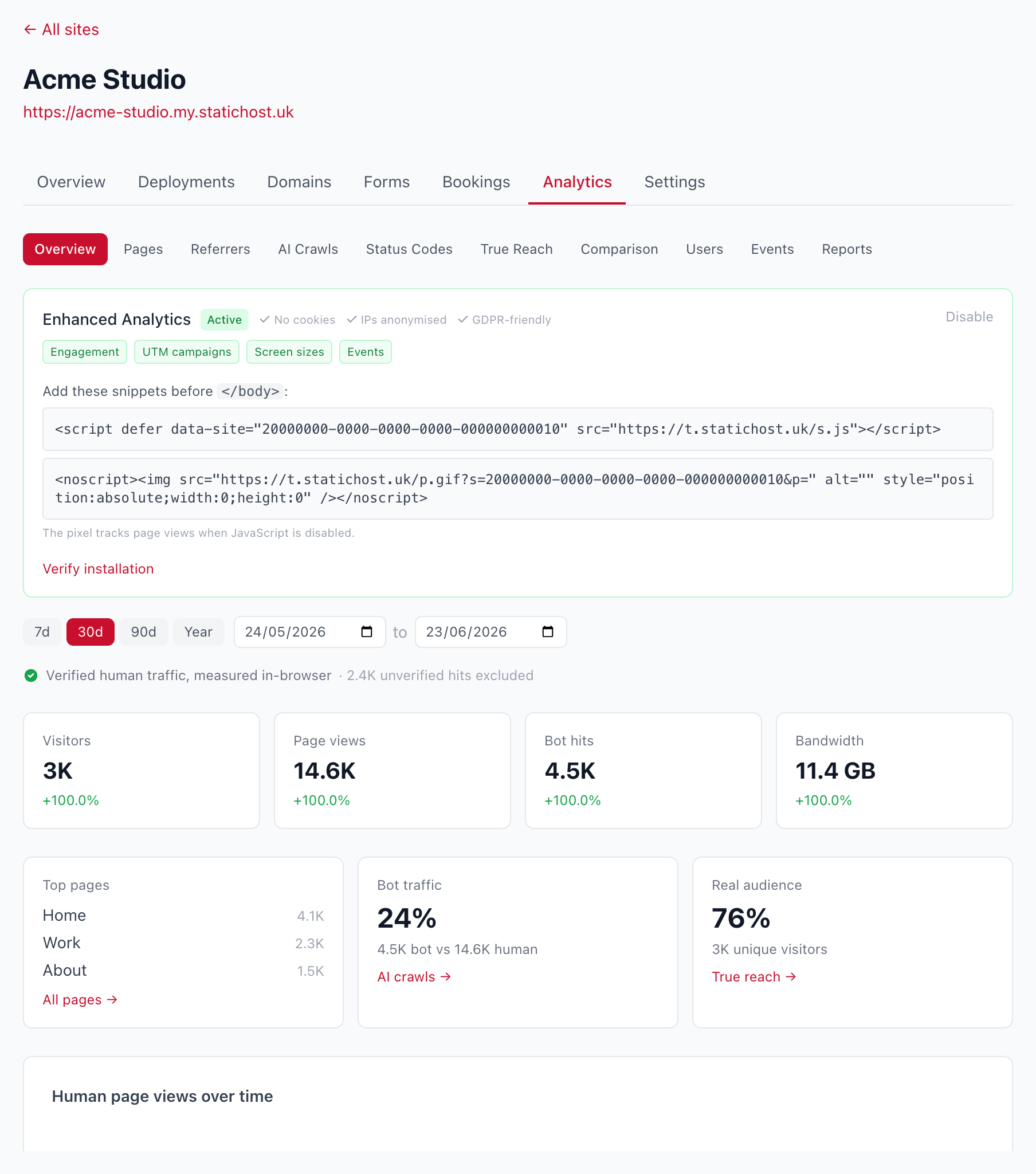
Analytics Plus
Upgrade a site to Analytics Plus and add a tiny tracking script for far more accurate, verified-human data. Still no cookies and no personal data.
- In a site’s Analytics → settings, turn on enhanced analytics.
- Copy the one-line script snippet into your site’s
<head>. The dashboard verifies it’s installed automatically.
You then get:
- Verified human visitors — measured in real browsers, with bots and crawlers stripped out.
- Events — clicks you tag with
data-sh-event, plus outbound link clicks (names only, no PII). - Engagement — scroll depth and time on page.
- Campaigns — UTM campaign breakdowns.
- Screens — visitor screen sizes.
- Scheduled PDF reports emailed to you (coming soon).
Note: verified-human data starts from the day you enable it (we never recorded it before, and logs can’t tell who ran the script), so there’s no historical backfill. Your existing log stats stay in the bot/technical tabs.
See Analytics on the features page for the overview.
