
Add a working form to a static site without a backend. Submissions are forwarded to your email (and, with Forms Plus, to a webhook), spam-filtered with Altcha. We relay submissions and never store the form data.
Set up a form (free)
- In your dashboard, go to Forms and click New form.
- Give it a name and the notification email that should receive submissions.
- (Optional) Set allowed origins (which domains may post to it), a thank-you redirect URL, and turn on Altcha spam protection.
- Point your HTML form at the endpoint shown:
<form action="https://app.statichost.uk/f/your-form-id" method="POST">
  <input type="email" name="email" required>
  <textarea name="message"></textarea>
  <button type="submit">Send</button>
</form>
That’s it. On submit, you get an email; the visitor sees your thank-you page or a default confirmation.
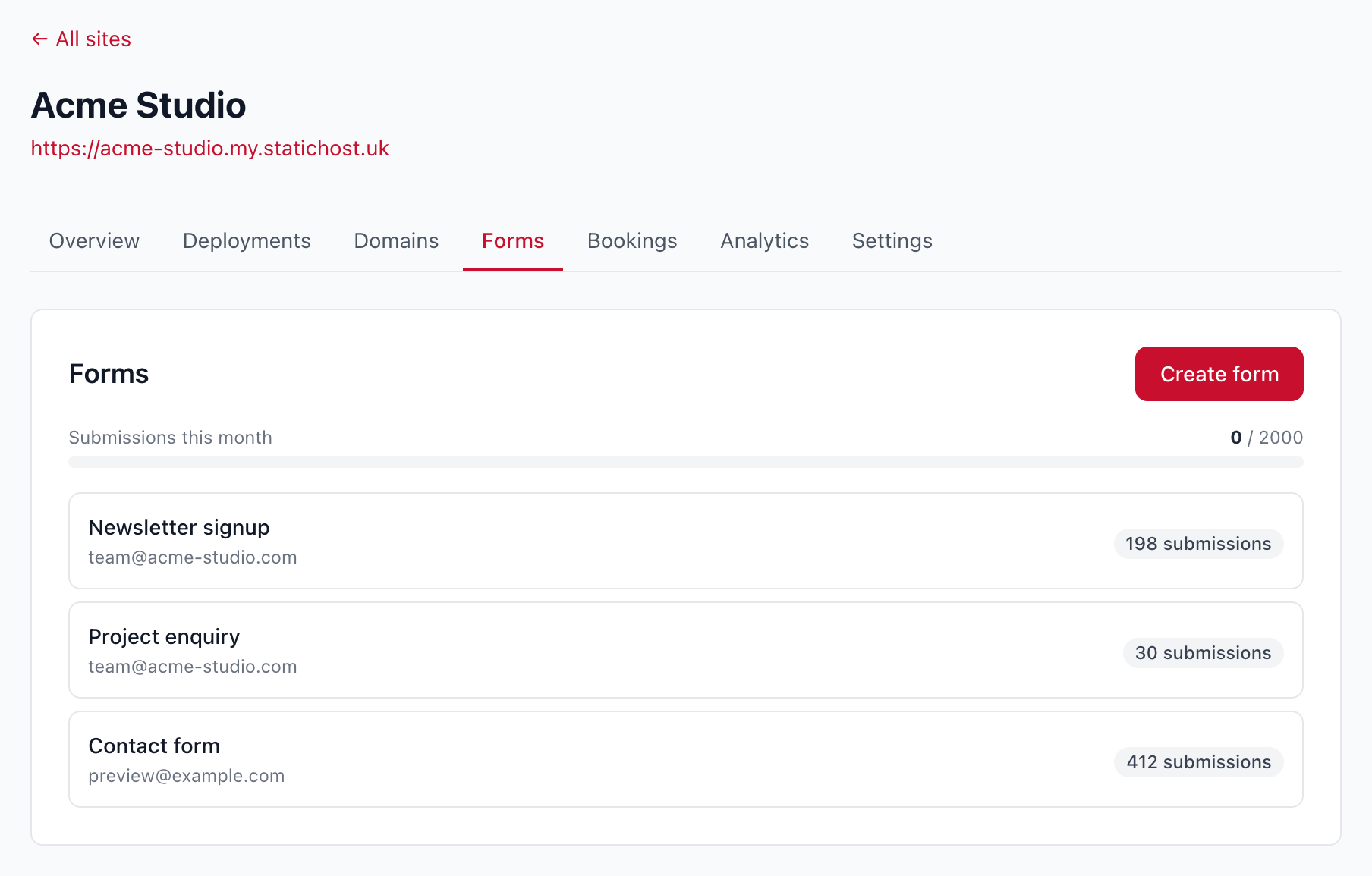
The free tier includes one form and up to 100 submissions per month. Going over is a soft limit: we never drop a submission, you’ll just see a usage nudge.
Forms Plus
Upgrade a site to Forms Plus for:
- Up to 10 forms on one site (contact, signups, enquiries and more).
- Up to 2,000 submissions per month across all your forms.
- Webhooks — send each submission straight to your other tools (CRM, Slack, Zapier and so on).
See Forms on the features page for the overview.
